This blog describes how to change OS admin password and security password.
To Change OS Admin Password
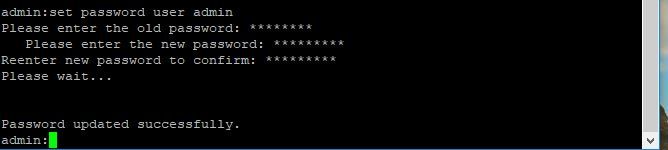
admin> set password user admin
It asks you to enter the old password and new password. Once the system verifies the password, it is changed.
To Change Security Password
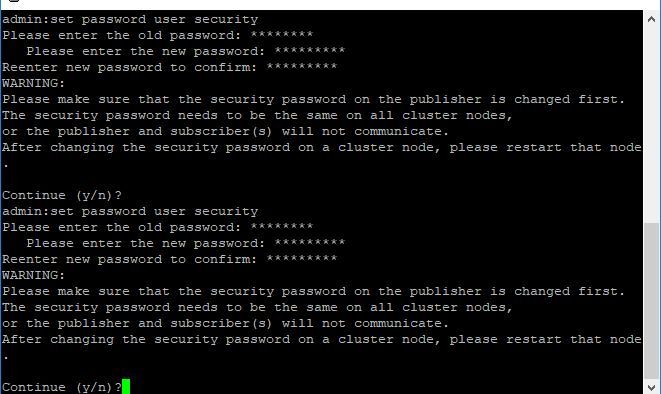
admin> set password user security
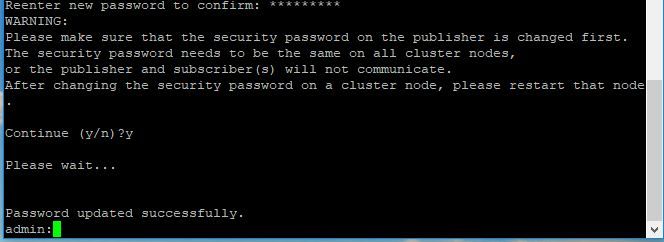
It asks you to enter the old password and new password. Once the system verifies the password, it is changed.
Please ensure that the security password on the publisher is changed first. The security password needs to be the same on all cluster nodes, or the publisher and subscriber(s) will not communicate. After changing the security password on a cluster node, please restart that node.
 CRAZY NETWORKING